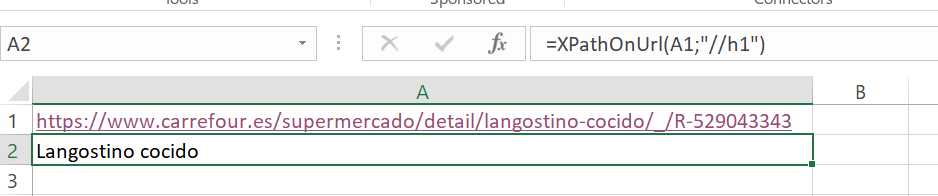
I'm trying to scrape a website with XPathonURL, but the web site keep showing the following error: "Your browser version is old..." The same message appears when I try to access de link directly from Excel: it open on my Chrome Browser displaying the mentioned message. But if i copy/paste the link to the URL Bar directly on my browser, it opens normally.
I tried with Firefox (version 55.0.1) as default browser but the problem persists. I also tried with IE and Edge as default browser and got the same results.
I'm using Windows 10, Office 365 (licensed) and SEOTool Version 7.0.11 (trial).
Yes, we have fixed the Facebook connectors in the next release which is out very soon. Contact me at victor@seotoolsforexcel.com and I can send you a test build.
Well, these are the common issues you face while using tools like XPathONURL, Excel's web service, Power Query, or other web scrapers. Here below there are some solutions and why this is happening:
This happens due to several reasons. When Excel tried to access the site, it didn't act like a real browser, or maybe the website assumed that it was an old or unsupported browser.
Below are some ways that may help you to fix the issue: